
We all have fond memories of the good old days; life was cheaper, easier, and so much better! I remember my first Personal Computer in 1984, a Commodore 286 with an amber monitor and a rather noisy matrix printer. What an advance over the fancy electric typewriter, which I had proudly bought from Olivetti just a couple years before. It had a 20 MB hard drive and 640 KB of internal memory. I ran Microsoft® Word, Microsoft Multiplan, and Ashton-Tate’s dBase. Just a few years later, I got my first 386 (3rd generation of Intel’s chip, the 80386) and I had to move/migrate my applications and data over.
No problem! I copied the programs and data to one 360k floppy, plugged it into the new PC, and copied the files over; and that was it, migration done. The good old days! Since then, it became much more complicated because we now have more applications, more files, and more complex file structures on our PCs. With the introduction of Windows® and the “registry”, a simple copy and paste just won’t do. We had to reinstall applications, make multiple copy procedures using floppy disks, and spend hours handling the entire migration process. The good old days were officially gone.
Today, we face a much bigger burden. Users have 50 or more applications on their PCs, terabytes of data and hundreds, if not thousands, of settings in the Windows registry. Many of people have complained about the hours they’ve spent reconfiguration, re-installing, and copying over data. Often an entire weekend is taken up by this tediousness.
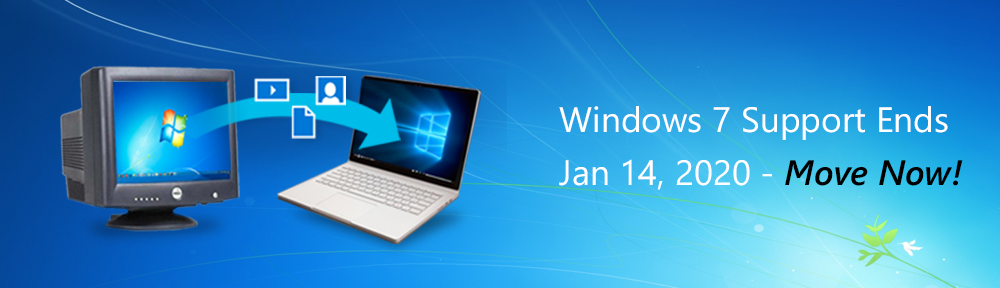
With end of support for Windows 7, there is an even bigger push this holiday season to buy a new PC and migrate everything into their new Windows 10 machine. Many have delayed this task, but with a little over a month away, it is imperative everyone move now!
Laplink is bringing the simplicity and ease of the good old days back! For anyone buying and setting up a new PC, there is good news. By using PCmover, you can automate the migration process to the point that the intelligence of the software actually takes over the heavy lifting and performs, with minimal interaction, everything the user had to do manually. Hours are saved, and the joy of a new PC can be experienced once again.The good old days might be gone, but setting up a new PC can be as easy as it used to be.
 The Windows 7 End of Support Blog